Why we put everything in one SDK
Most apps run five SDKs to understand and help the same user. Here’s what changed when guides, analytics, replay, support and feature flags moved into a single install.
Gurp Parmar3 min read
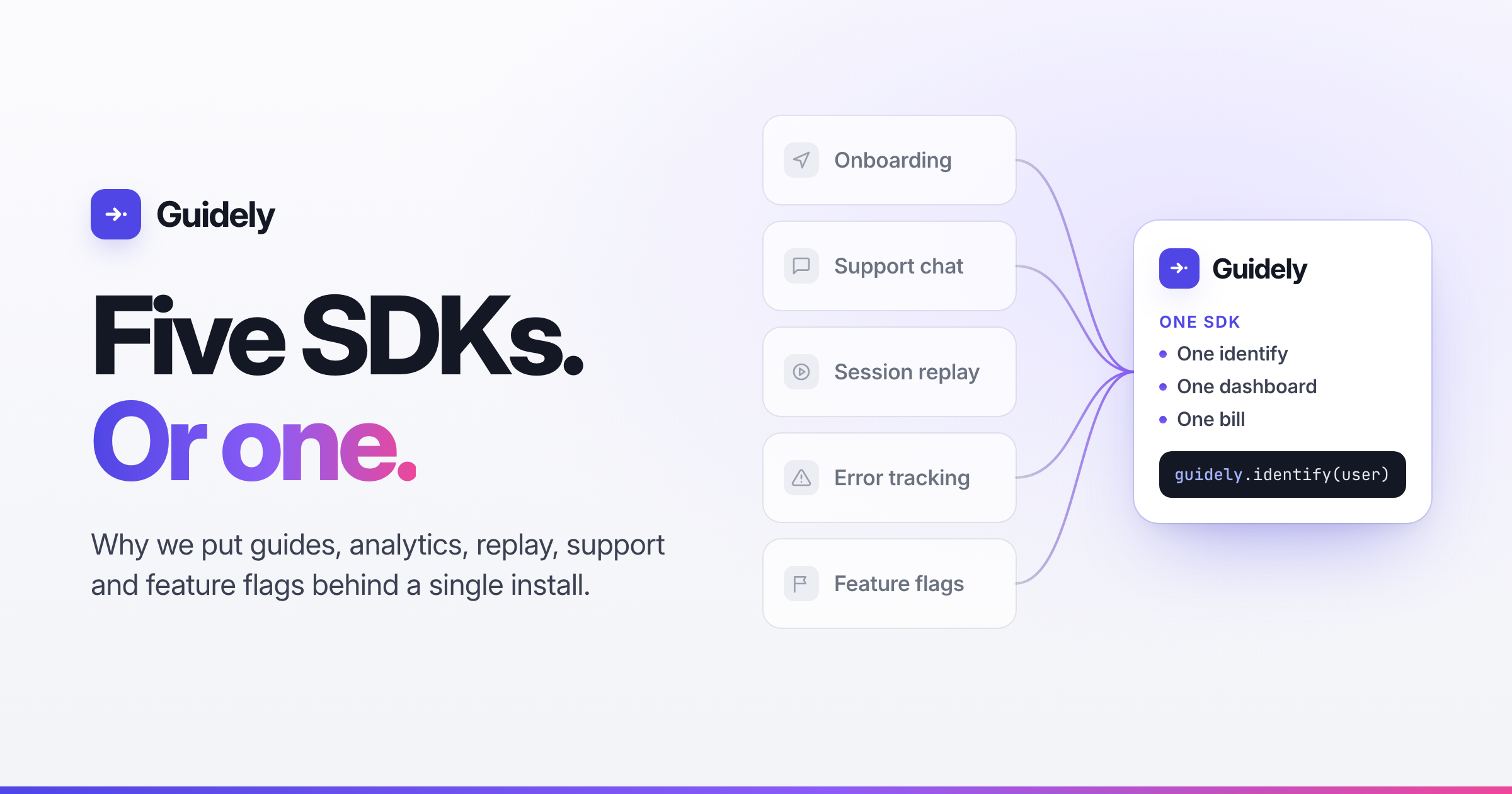
Count the scripts in a typical SaaS app. There’s one for onboarding tours, one for support chat, one for session replay, one for error tracking and one for feature flags.
That’s five SDKs to install, five init calls, five identify calls to keep in sync when someone logs in, five vendors on your security questionnaire and five invoices. It’s also five separate records of the same person, and none of them can see the others.
Early on we made a decision that shaped everything after it: Guidely would ship as one SDK. Here’s what that changed.
Identify once, and everything knows who it is
With five tools, user identity slowly falls apart. One tool gets the email, another gets the internal ID, and a third forgets the user when they log out. Fixing it means finding five call sites in your code.
With one SDK, a single identify call reaches guides, analytics, replay, Scout and feature flags together. If someone opens a chat before they’ve logged in, the conversation is attached to their account once they do. When you target a guide at “users who saw this error last week”, it works because the error and the guide point at the same person.
The data finally connects
Most of the value comes from what sits between the tools:
Support with context. Scout, our AI messenger, knows which page someone is on and can show your team the recording of what happened just before they asked for help.
Help where people get stuck. Because questions and page views share one pipeline, you can see which pages produce the most help requests and put a guide on those pages.
Guides measured against real behaviour. Tour completions, funnels and retention are counted from the same events, so you don’t have to export CSVs from one tool and import them into another.
None of this needs an integration project. It works because everything was in the same place to begin with.
Less in your app, and less that can break
Every SDK you add brings its own bundle, network connections, retry logic and failure modes. Ours is about 44 kB gzipped. The replay recorder only loads for sessions that are actually being recorded.
Having one SDK also means only one thing needs to be made resilient. The snippet queues calls until the SDK loads, events are saved and retried if the network drops, and a circuit breaker stops retries when our API is unreachable. If Guidely goes down, your app keeps working. That’s much easier to guarantee for one dependency than to check across five.
One security review instead of five
Each vendor in your stack is another DPA, another subprocessor and another set of answers for your customers’ security teams. With Guidely, input masking happens before anything leaves the browser, and privacy settings live in one place. Your security team reviews one vendor, once.
The same API everywhere you ship
“One SDK” doesn’t mean web only. The same model runs on React, Next.js, Svelte, SvelteKit and Electron, plus native iOS and Android, React Native and Flutter, and server SDKs for Node, Java and PHP.
Feature flags are where this matters most. All nine flag SDKs follow a single spec and are tested against the same set of shared test cases, so a flag evaluates the same way on your server, your web app and your phone. A user won’t get the new checkout on iOS and the old one on the web.
One bill you can predict
Five tools usually means five pricing models: per seat, per MAU, per session, per event. One SDK gets you one bill. You can start free with no card and move to pay as you go when you’re ready. Guides are never metered, there’s no per-seat pricing, and each product has a billing limit so the invoice stays where you set it.
What it cost us
This wasn’t the easy path. Building guides, analytics, replay, support and flags well takes far more work than building one of them well, and we’re competing with specialists in every category. Keeping the bundle small meant loading heavy features like replay only when they’re needed.
If you only need one of these things, a specialist tool might suit you better. Most teams don’t need just one, though. They need to understand their users, help them and hear from them, and that’s much easier when every part of the product works from the same data about the same person.
Install once. Everything else is configuration. Start free, no card required.